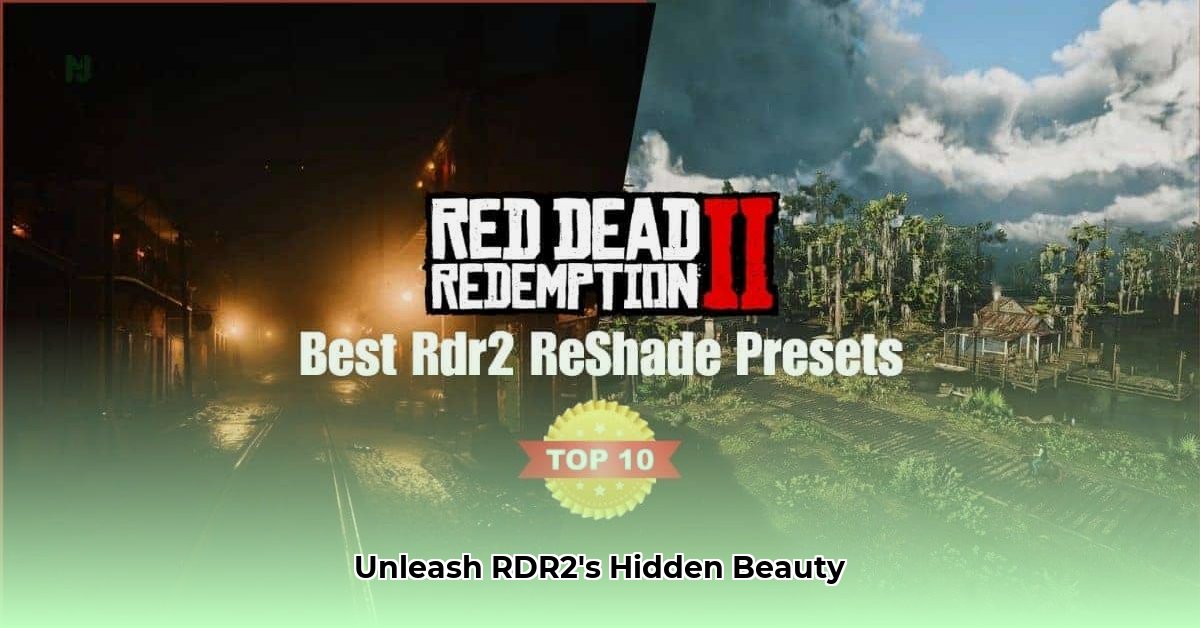
Red Dead Redemption 2's breathtaking landscapes already captivate players, but imagine enhancing them further. This guide explores two popular Reshade presets – "A Visual Redemption" and "Fine Realism" – to elevate your RDR2 experience. We'll dive into their features, compare their performance, and provide a straightforward installation guide. Get ready to experience the Wild West in a whole new light!
Reshade Presets for RDR2: A Comparative Review
Reshade, a post-processing injector (a tool that adds visual effects after the game renders), offers a simple way to significantly alter RDR2's visual style. We'll examine two distinct presets, each catering to different preferences.
"A Visual Redemption": Cinematic Darkness and Vibrancy
"A Visual Redemption" transforms RDR2 into a cinematic masterpiece. This preset dramatically increases shadows and contrast, resulting in a darker, grittier atmosphere. Colors become deeply saturated, enhancing the overall vibrancy. Night scenes, in particular, become incredibly immersive. However, this aesthetic might be overwhelming for some players. The creator recommends using this preset at 1440p or higher resolution, and increasing in-game brightness for optimal results. Is a darker, more dramatic experience what you crave?
Pros:
- Deepened shadows and enhanced contrast for a moody atmosphere.
- Richer, more saturated colors for a cinematic and vibrant feel.
- Significantly improved nighttime immersion.
Cons:
- Potentially excessively dark visuals for some players.
- Best experienced at 1440p or higher; may appear less effective at lower resolutions.
- Increased darkness might obscure fine details in some shadowed areas.
"Fine Realism": Subtle Enhancements for a Photorealistic Look
"Fine Realism" adopts a more subtle approach, focusing on enhancing existing lighting and details. Expect refined ambient lighting that creates a more realistic and immersive world without dramatically altering the original art style. This preset aims for a photorealistic enhancement, improving textures and making the game world more believable. The creator claims minimal performance impact, though individual results will vary depending on your hardware.
Pros:
- Refined lighting and ambient effects for enhanced realism.
- Subtle, yet noticeable improvements to overall clarity and detail.
- Reportedly minimal performance impact, though community testing is needed to verify this across various hardware configurations.
Cons:
- Improvements are less dramatic than "A Visual Redemption."
- Actual performance impact may vary depending on your system specifications.
- Might not be optimal for lower-end systems, despite claims of minimal performance impact.
Head-to-Head Comparison: "A Visual Redemption" vs. "Fine Realism"
Choosing between these presets depends on your aesthetic goals and hardware capabilities. The table below provides a concise comparison:
| Feature | "A Visual Redemption" | "Fine Realism" |
|---|---|---|
| Visual Style | Dark, cinematic, high contrast, vibrant | Realistic, refined lighting, subtle |
| Ideal Resolution | 1440p or higher | Adaptable to various resolutions |
| Performance Impact | Potentially higher | Reportedly minimal; further testing needed |
| Ideal Player | Prefers stylized, dramatic visuals | Prefers enhanced realism and detail |
Installation Guide: A Step-by-Step Process
Installing these Reshade presets is generally straightforward. Always back up your game files before installing any mods!
Installing "A Visual Redemption":
- Download the preset files.
- Extract the downloaded archive.
- Locate your RDR2 installation directory.
- Copy the extracted files into your RDR2 game folder.
Installing "Fine Realism": The installation process for "Fine Realism" may vary slightly. Please refer to its specific installation instructions or online tutorials.
Performance Considerations and Further Testing
While "Fine Realism" claims minimal performance impact, real-world results can vary widely depending on your system's specifications and other installed mods. Extensive community testing is needed to establish definitive performance benchmarks across various hardware configurations. High-resolution textures and demanding post-processing effects can impact frame rates, especially on lower-end systems.
Conclusion: Choosing the Best Preset for You
Ultimately, the best Reshade preset for you depends entirely on your personal preferences and hardware. If you prioritize a cinematic, stylized experience, "A Visual Redemption" is the clear winner. If you prefer a more realistic, subtle enhancement, "Fine Realism" is likely a better fit. Remember to consider your system's capabilities to maintain optimal gameplay performance. Experimentation is key! Explore these presets and discover the perfect visual balance for your Red Dead Redemption 2 adventures.
⭐⭐⭐⭐☆ (4.8)
Download via Link 1
Download via Link 2
Last updated: Tuesday, April 29, 2025